

Create a Google Maps API key
Creating a Google Maps API key lets you use Google Maps services on your site.
1. Go to the following link: https://developers.google.com/maps?hl=fr
2. Click the "Get Started" button in the top right
3. Sign in to your Google account
4. Once signed in, a pop-up appears to enable billing on your account. This step is mandatory if you want to use Google Maps. The service is only charged if your site exceeds the 28,500 free monthly views; $7 is billed per additional 1,000 views
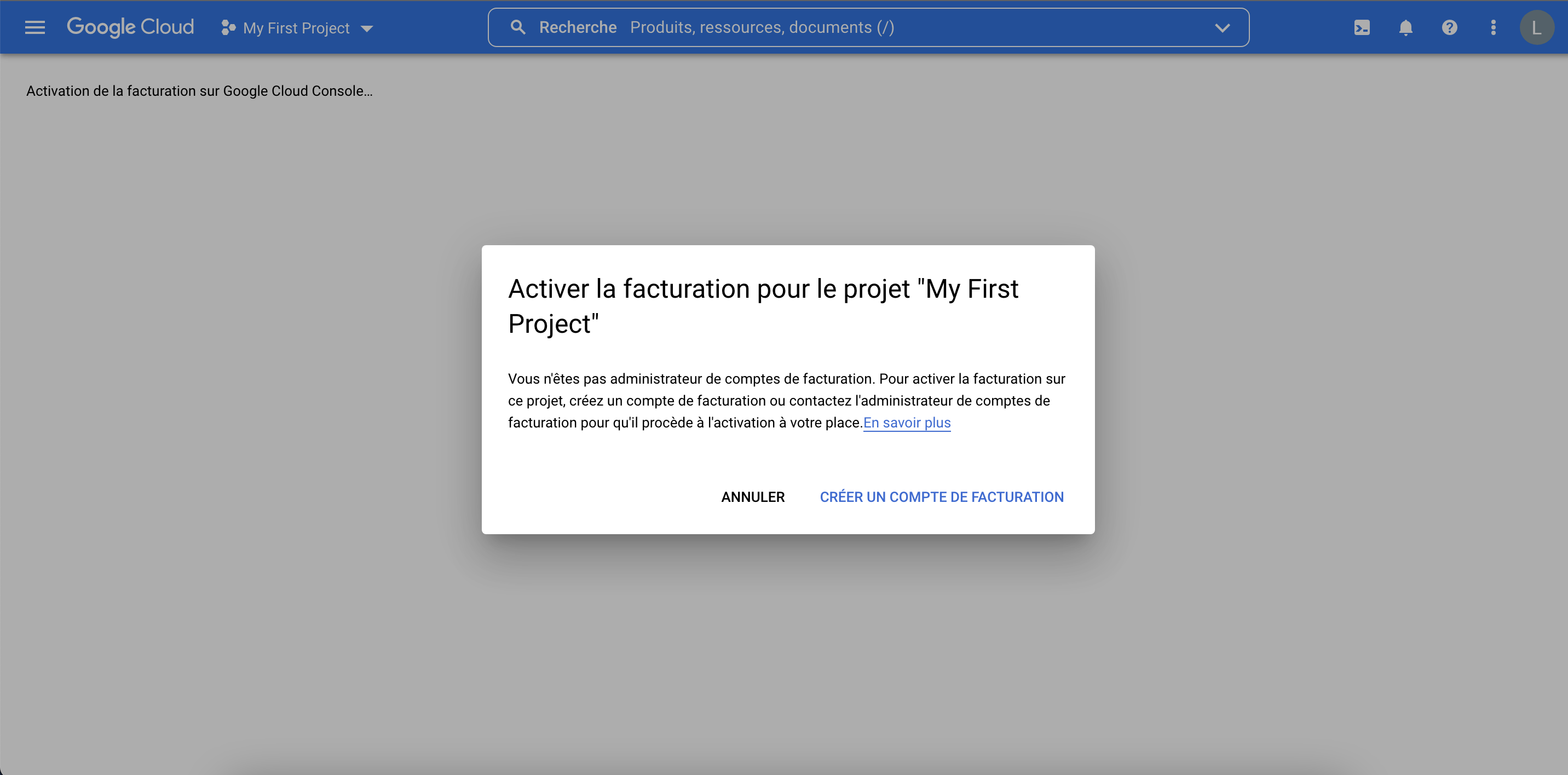
Complete the 3 requested steps
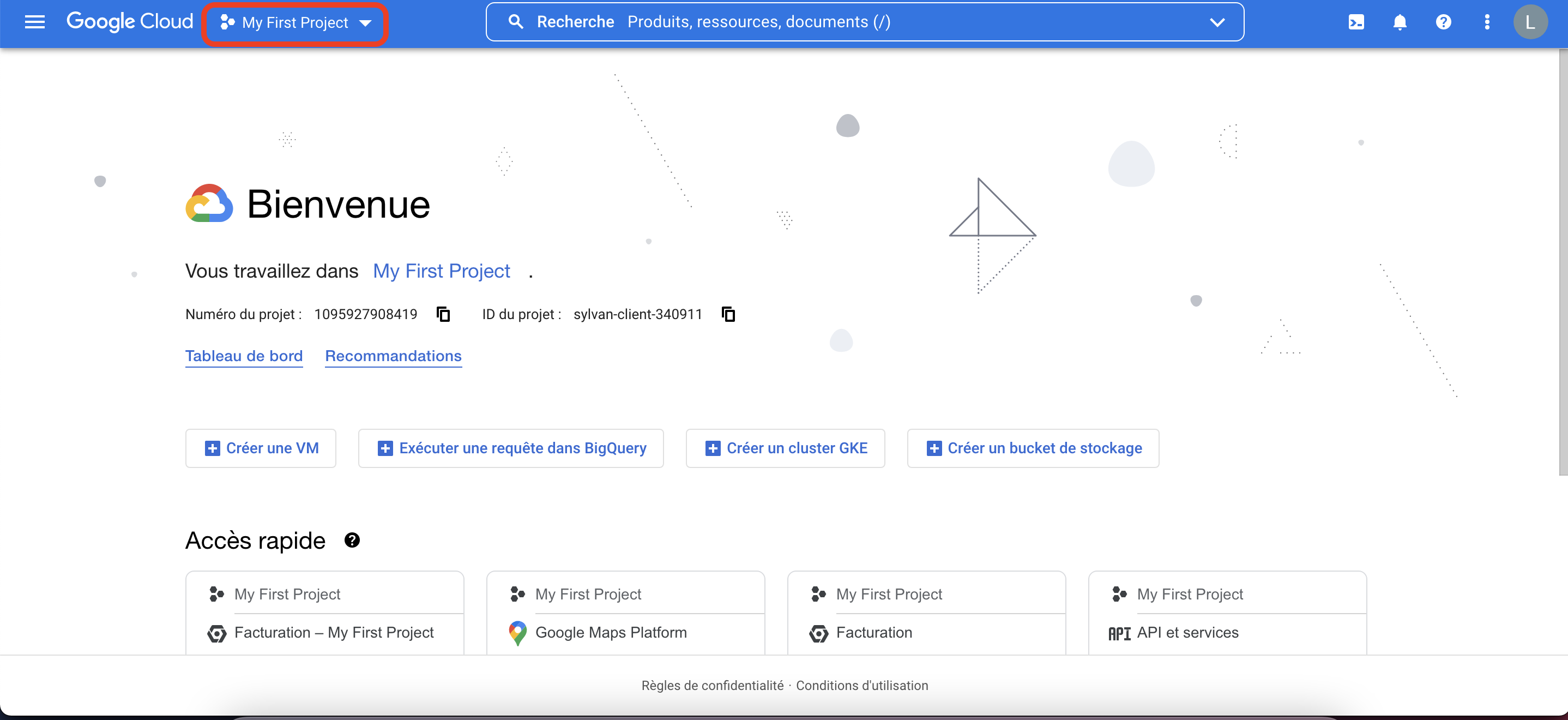
5. Return to the home page and click "My first project"
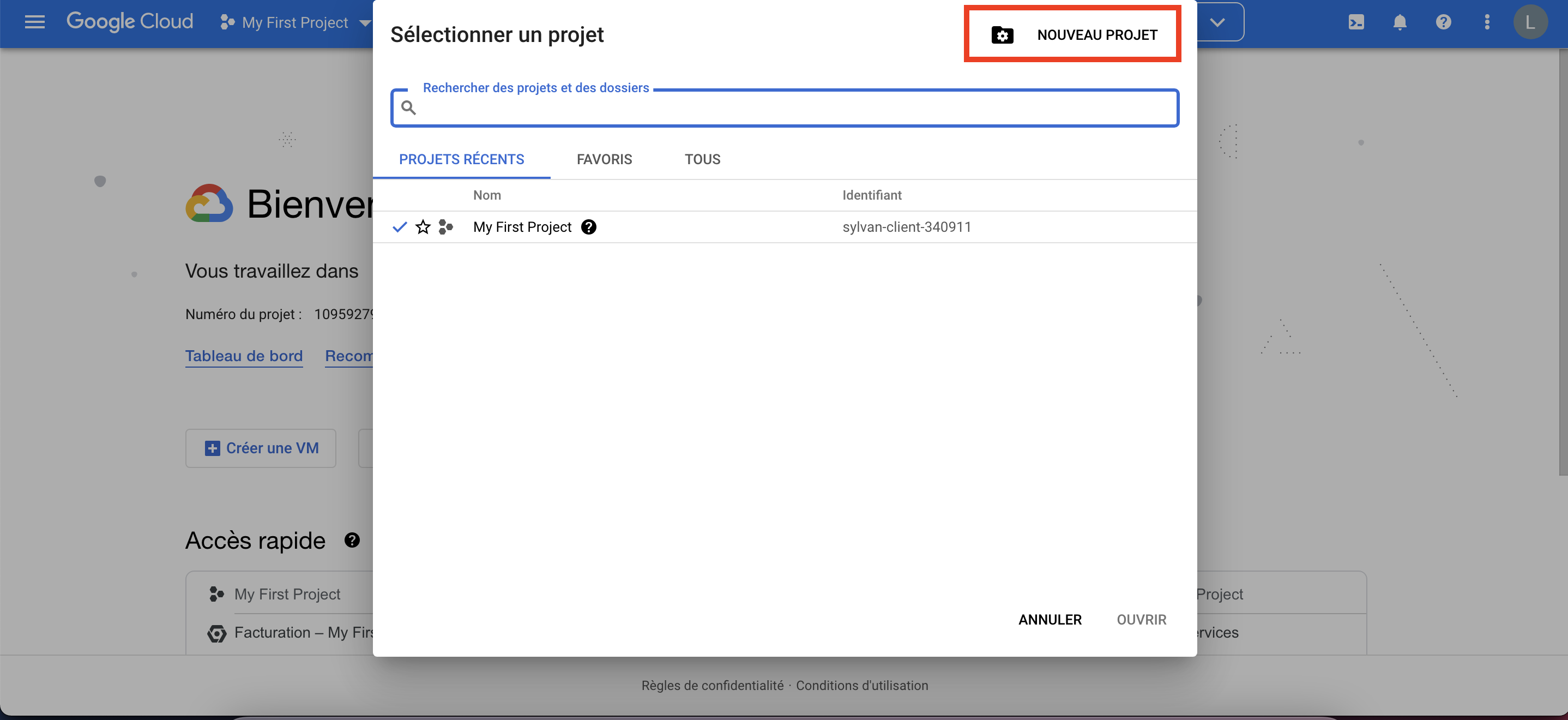
6. Click "New project" in the top right and fill in the requested information
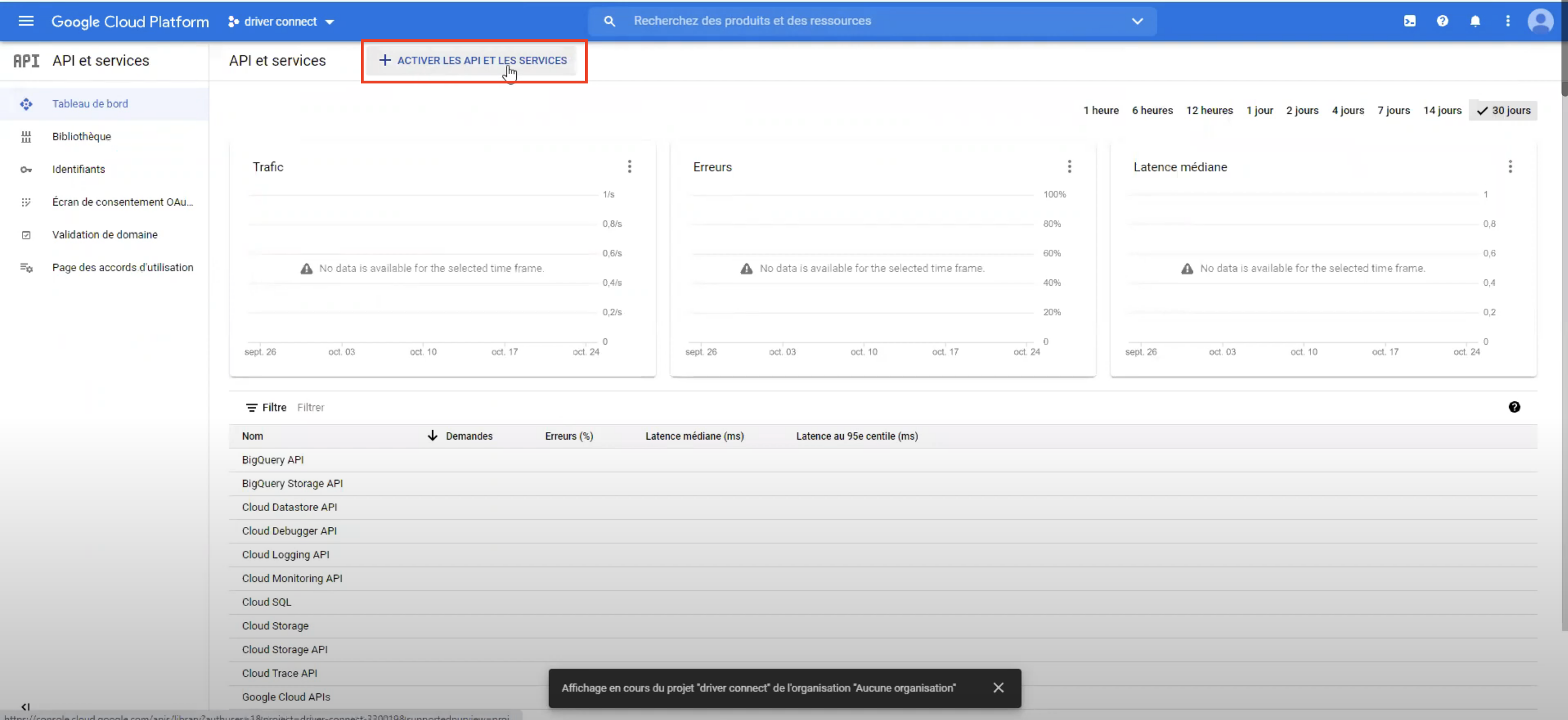
7. Then click "Enable APIs and services"
8. And enable "Maps JavaScript API"
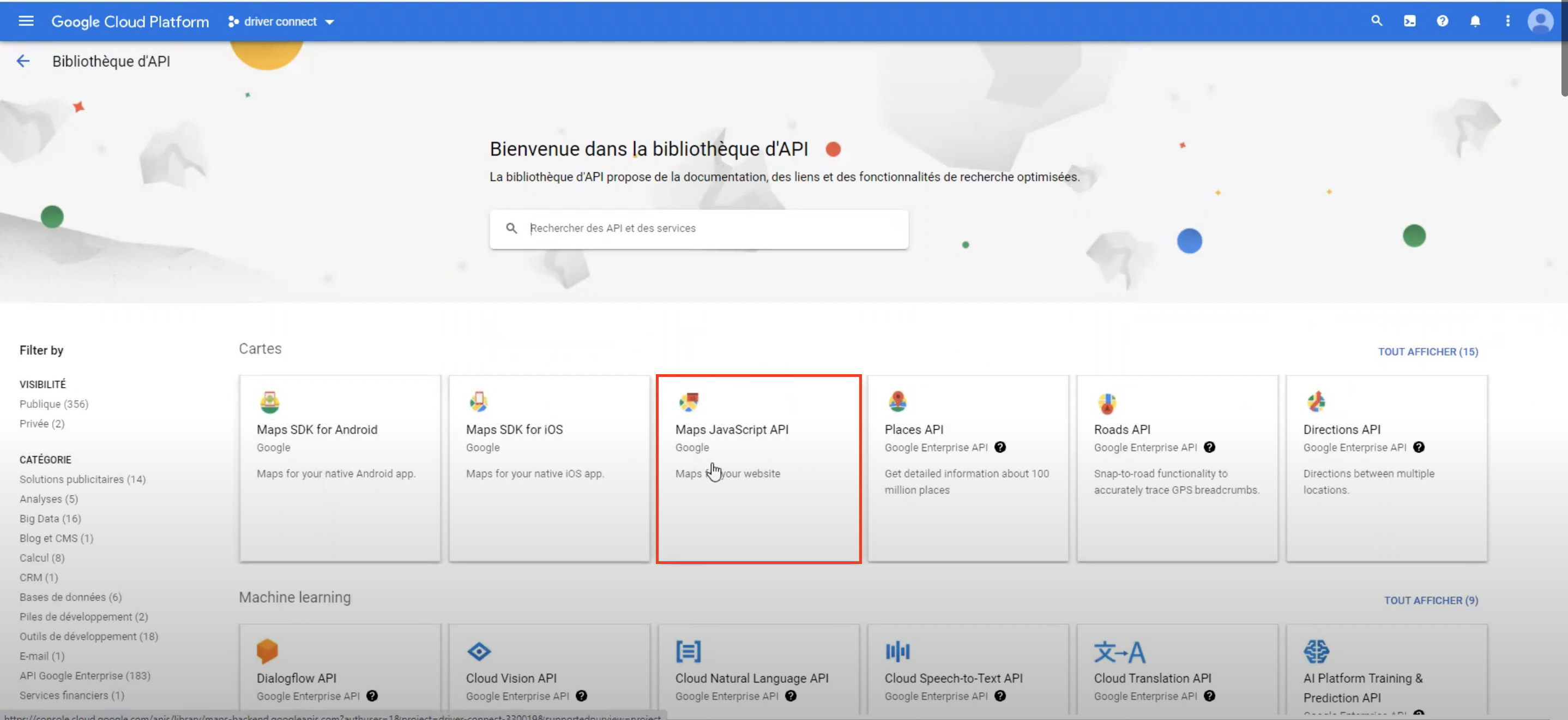
9. Click the "Enable" button
10. Then create the API key by clicking Credentials in the left menu, then the Create credentials button and API key
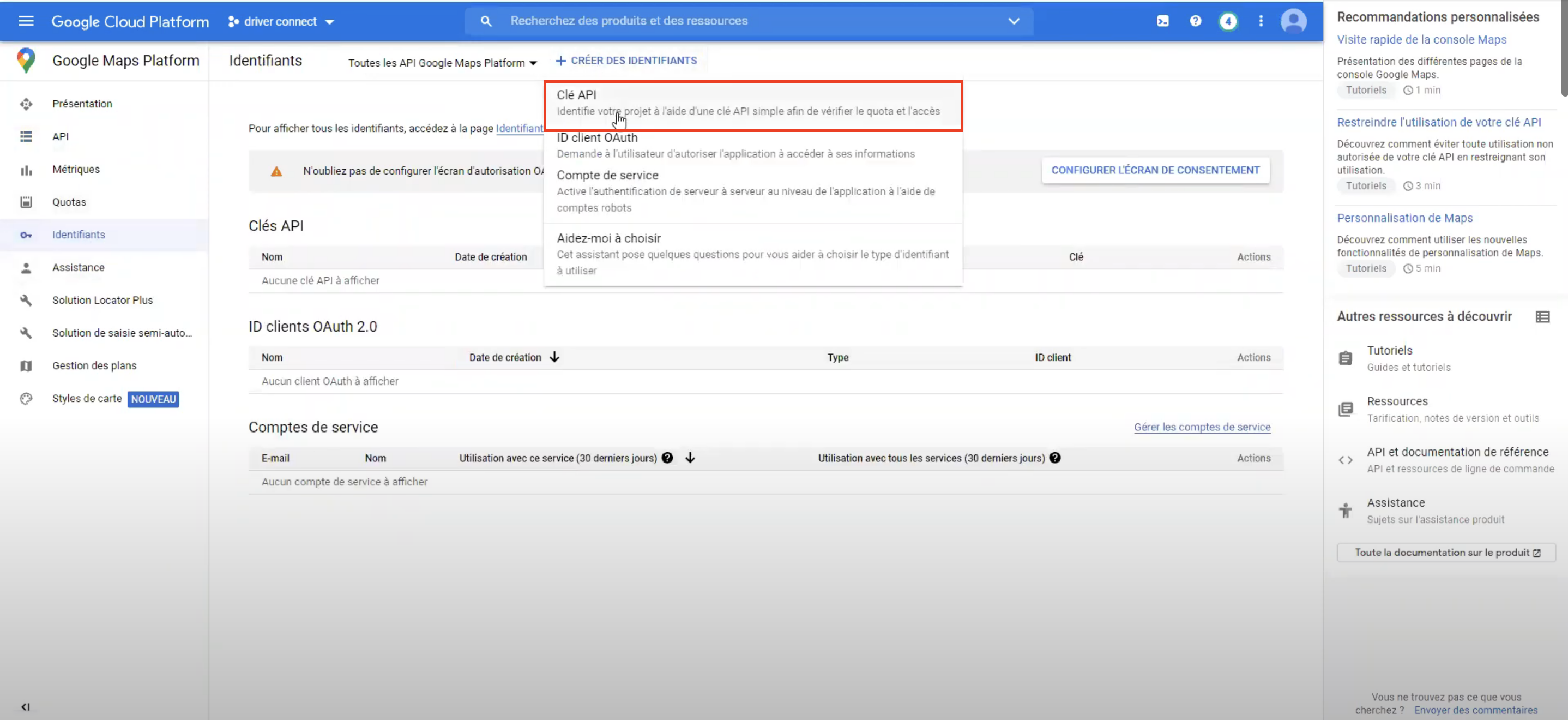
11. A window appears with the API key inside. Send us the key via copy/paste — no screenshots