- Click on your project in the project list
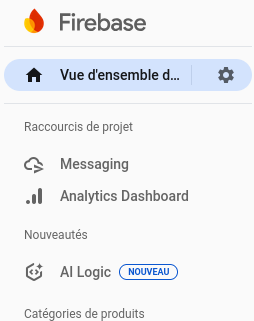
Go to the "Messaging" section in the left menu
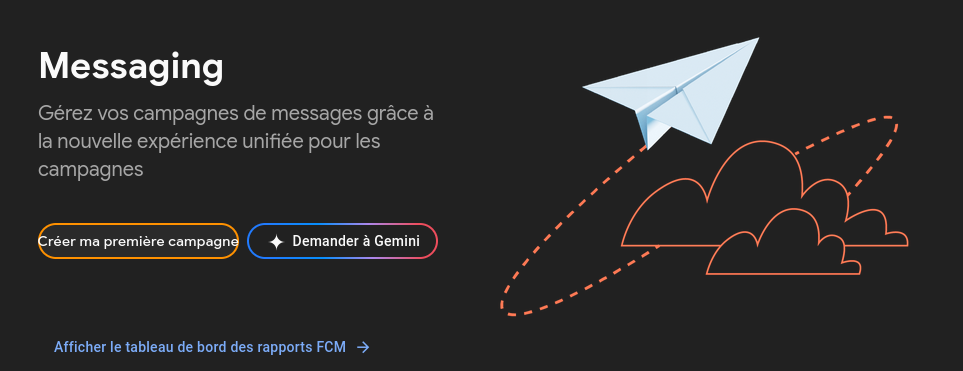
Click "Create my first campaign"
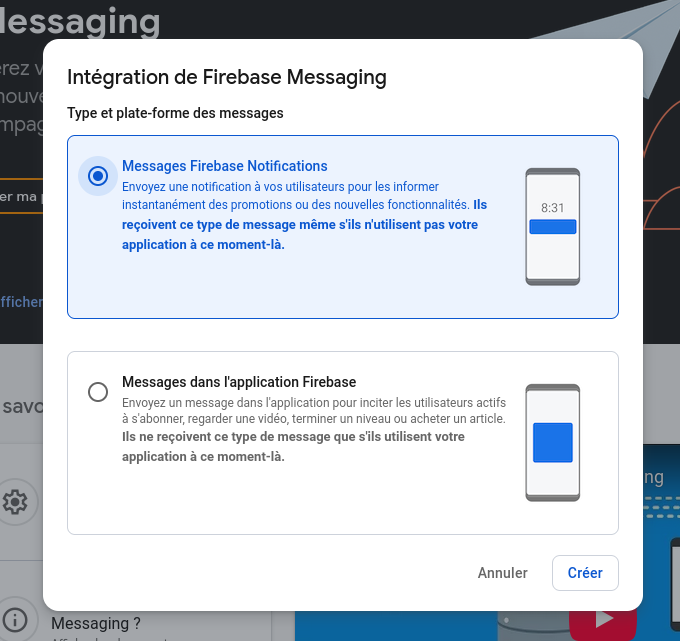
Choose "Firebase Notification messages"
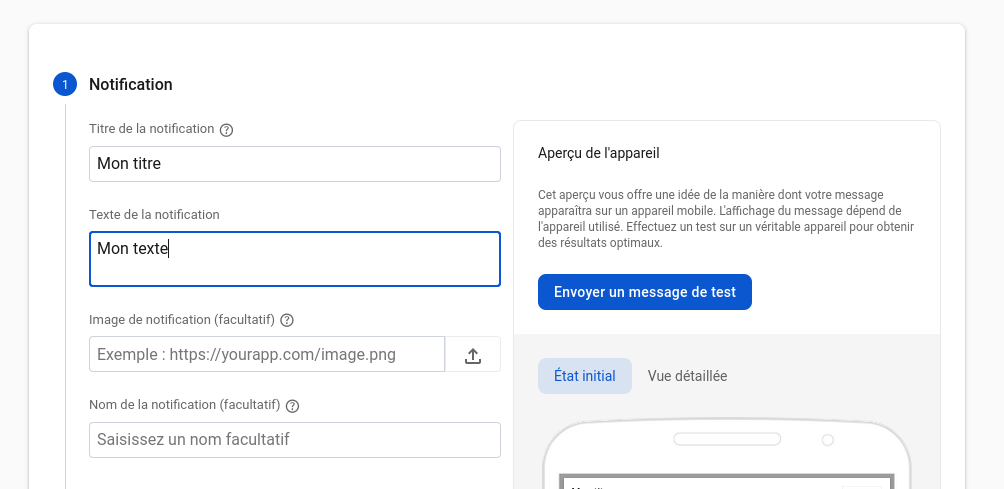
Fill in the requested information
- Notification title
- Notification text
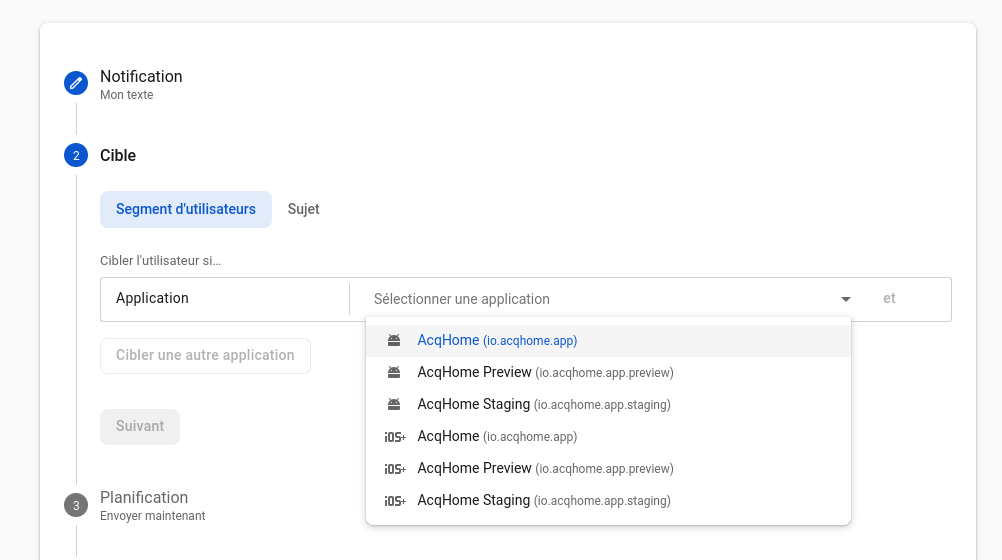
Choose the target applications for which you want to send the campaign
- Select the target applications for which you want to send the campaign.
- Choose the correct environment (preview, staging, production), then choose the Android and/or iOS version.
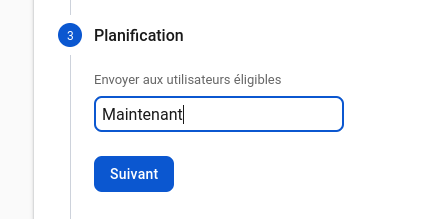
Choose the campaign sending conditions